So you buy the Duke Nukem 3D: 20th Anniversary World Tour, because
- It’s a classic you never played through
- They pulled the Megaton edition, so that’s pretty much your only legit choice
- It’s 90% off
But then you realize it looks like dog turd.
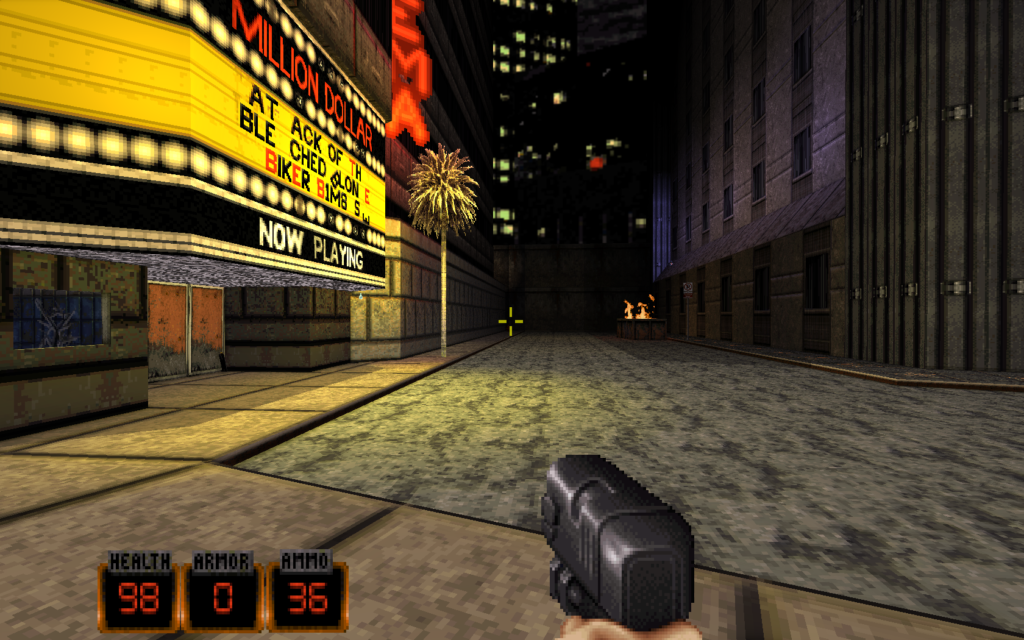
High Resolution Pack
But can we get the hi-res treatment? Apparently we can. Make sure to get the zip file, the SFX is just a glorified zip anyway, and it comes with some 10 years old release of the launcher which won’t even work with this release anyway.
Extract all the files from the zip to the C:\Program Files (x86)\Steam\steamapps\common\Duke Nukem 3D Twentieth Anniversary World Tour folder.
Launcher
But the zip file doesn’t have the launcher. So get it from some random other place – I used the win64 version. Extract it to the same folder. There’s a collision with names.h, just overwrite it, yolo.
Now you can launch the game with eduke32.exe.
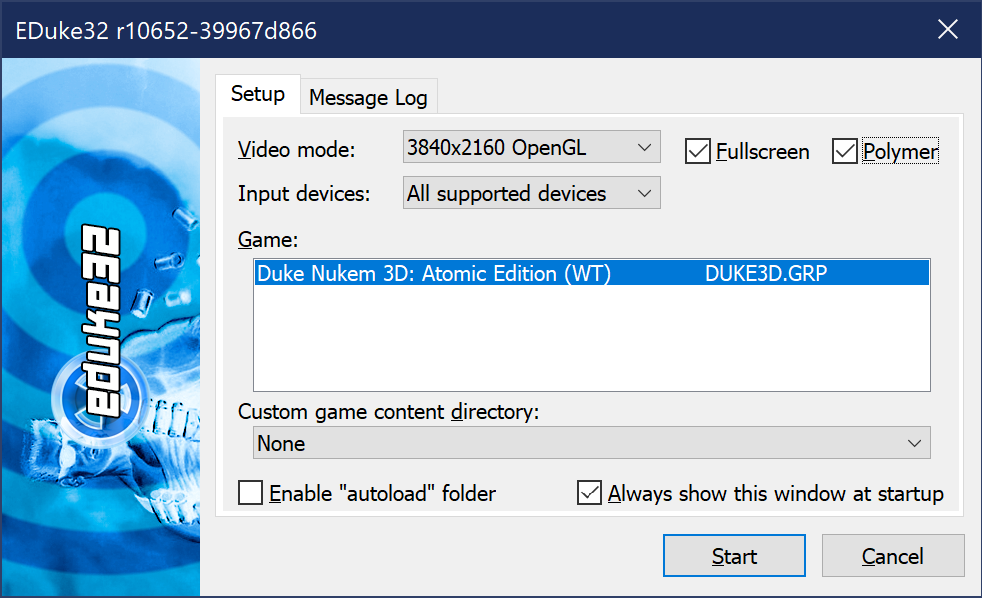
Make sure to check the Polymer option, that’s the new renderer. But…
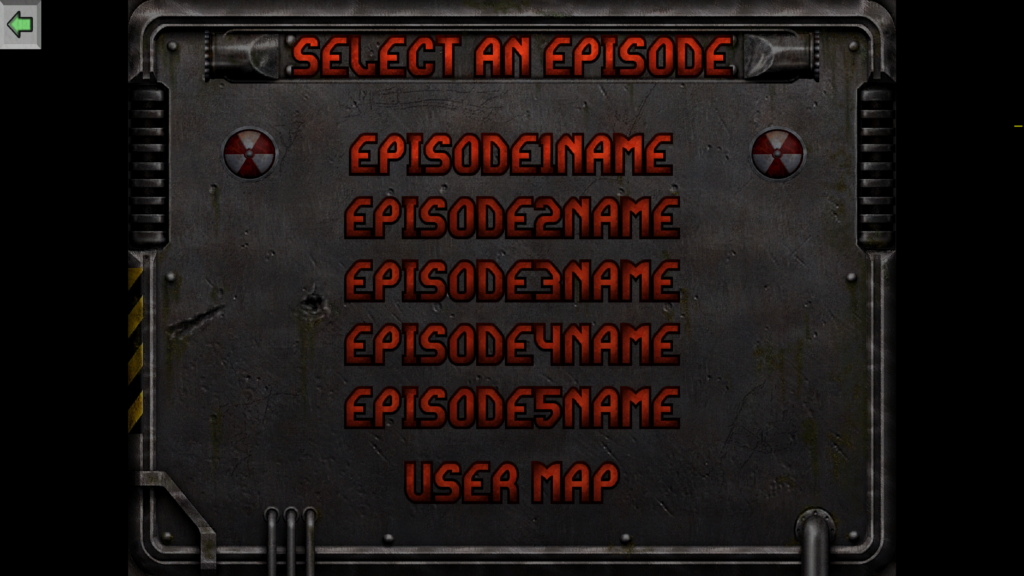
Also what’s with those microphone icons all over the place? 😂
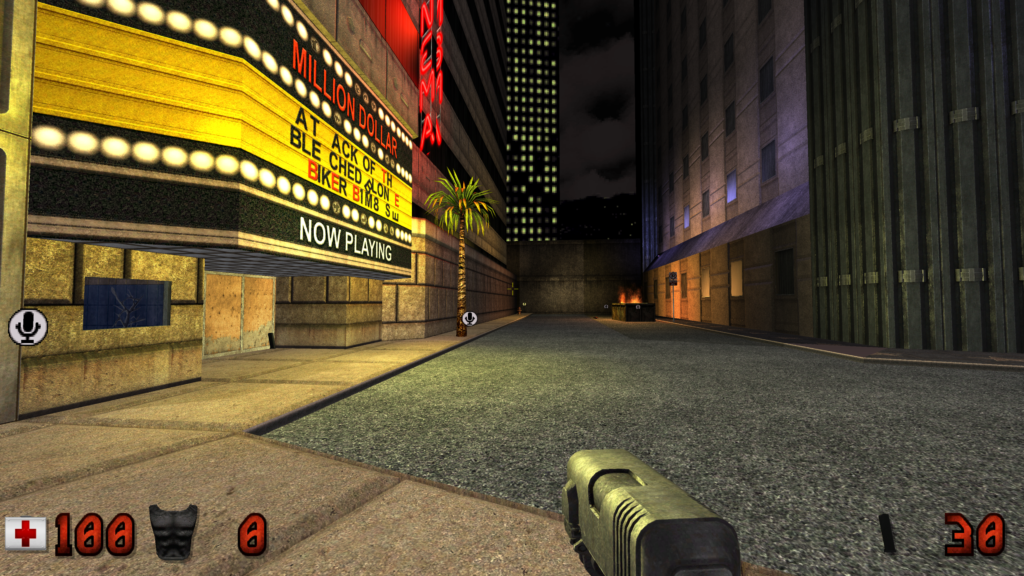
Turns out that you need…
Stopgap
Apparently Stopgap fixes the issues that this new “World Tour” release introduced. Download the latest release, and extract it to the same game folder. Now you can launch Stopgap, but there’s a little problem…
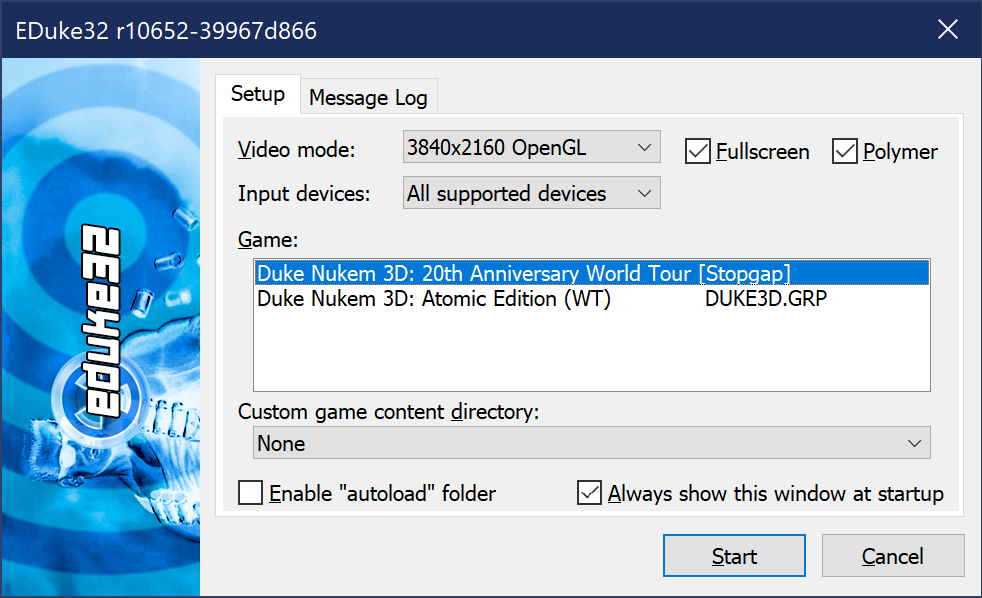
Now you can choose between the hi-res pack OR Stopgap. Ouch. So what do you do? Edit e32wt.def to have this added line at the end:
include duke3d_hrp.defThen launch with the Stopgap option again, aaand ta-da, now you have a proper hi-res Duke Nukem with all the compatibility fixes applied:

Make sure to enable vertical sync via Options / Display Setup / Video Mode / VSync to prevent screen tearing, and you should be good to go.
Happy shooting, happy holidays!